For people who look after the rooms themselves
Show them the room
before they arrive.
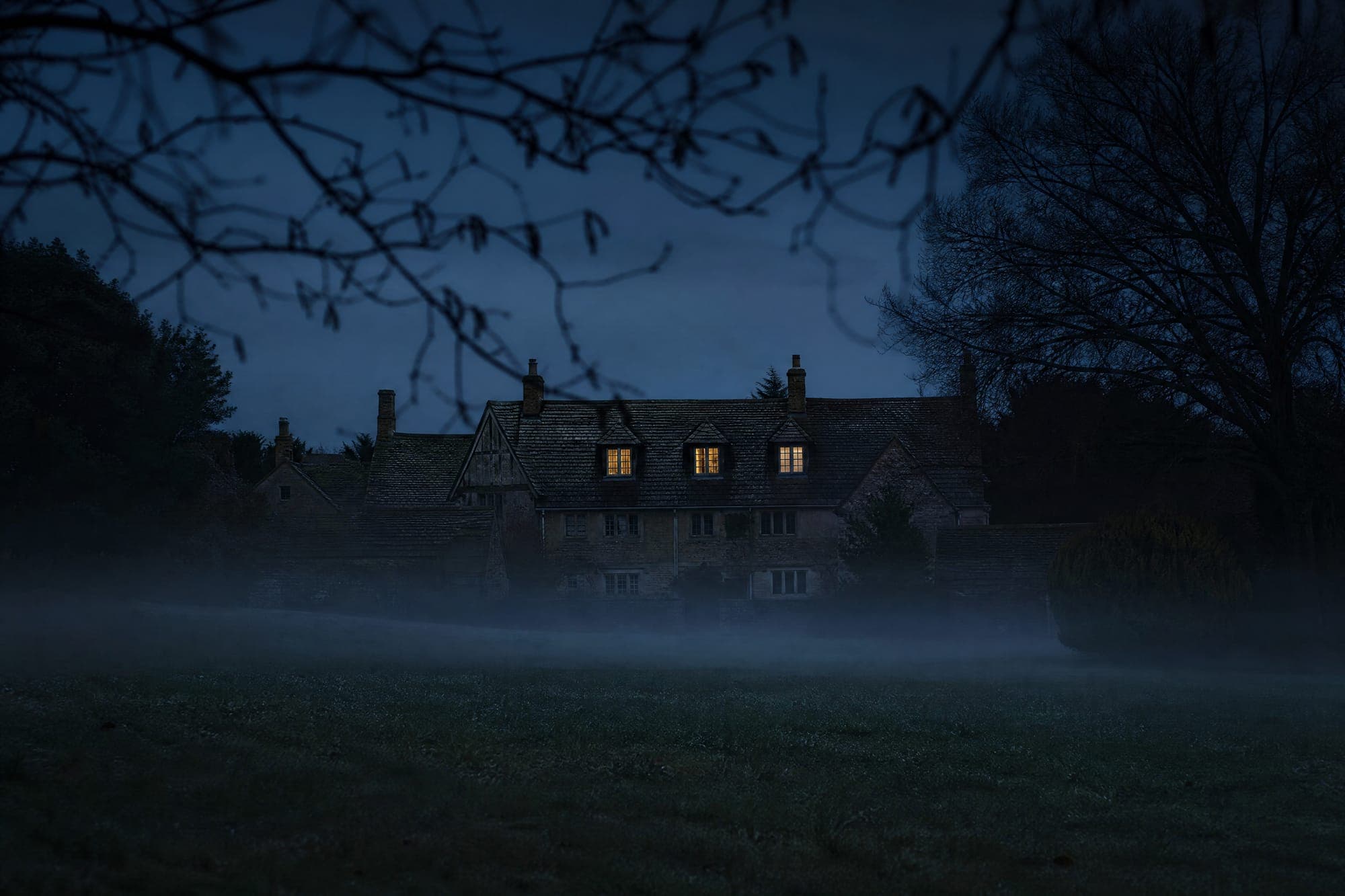
A booking lands, and then nothing happens for four days. Use one of them. Take the photographs you already have and send back twelve seconds of the place they are coming to — the light in the room, the way up the stairs, the door at dusk.
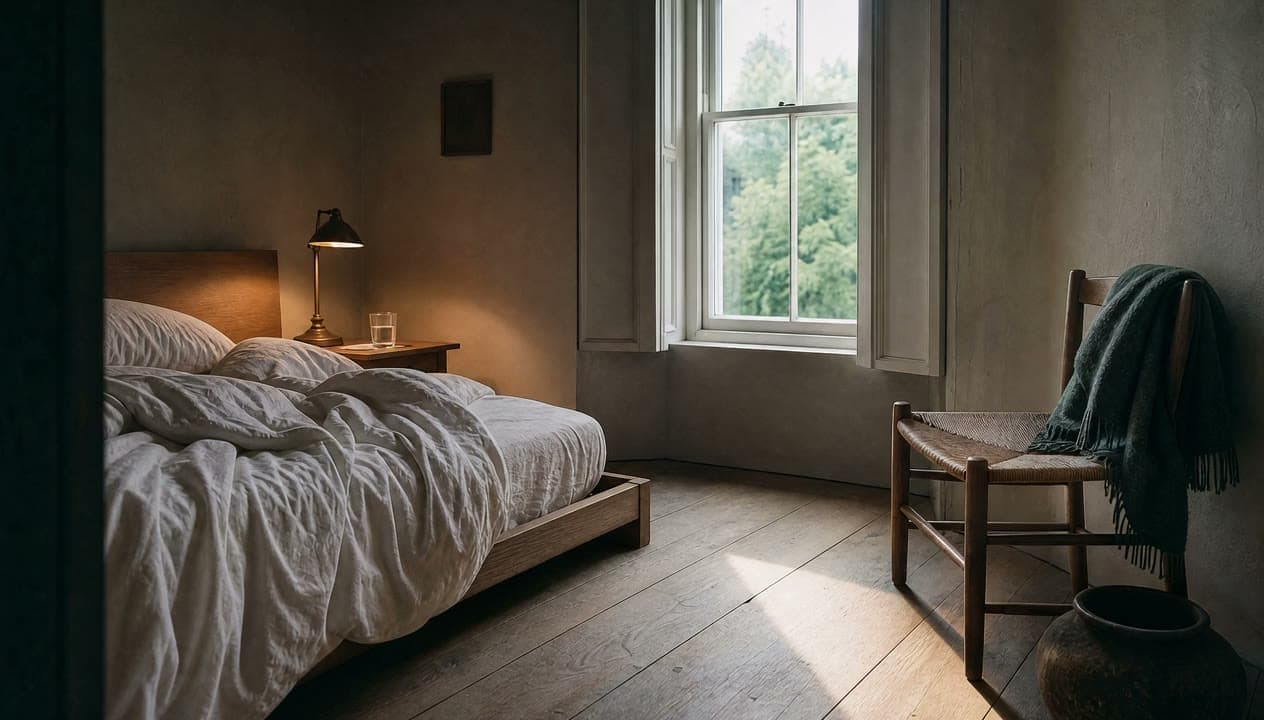
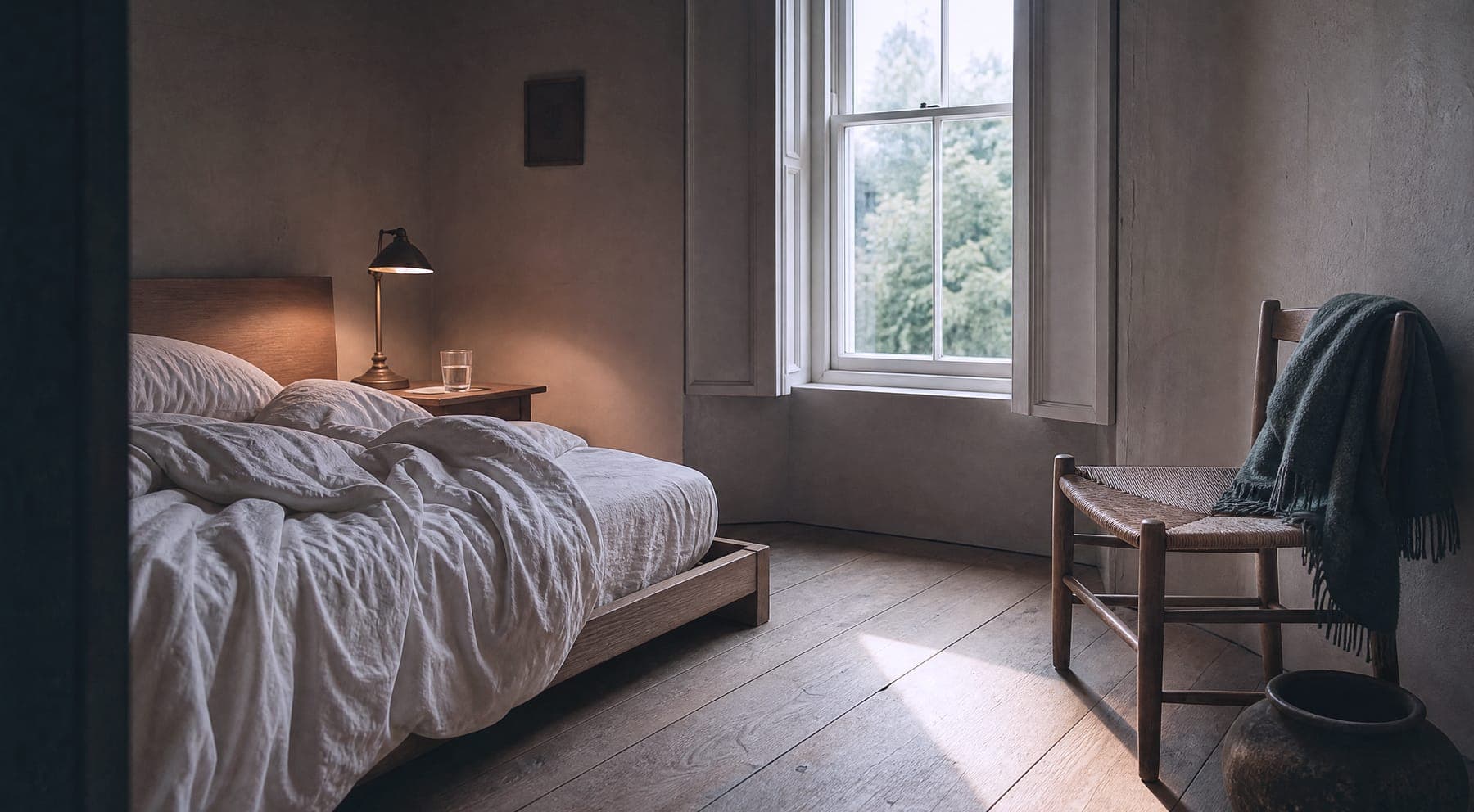
Three steps
From the photos on your phone to something worth sending.
There is no blank page to fill in and no brief to write. The first thing the product wants is the pictures you took last summer and forgot about.
 01
01Give it the photographs you already took
Three to twelve of them: the room, the way in, the view, whatever you would point at if the guest were standing next to you. Each one gets ticked as a true picture of the place as it is now. Nothing can be used until that tick is there.
 02
02Approve every frame before anything moves
You get a shot order, a list of the things that always need saying, and one still frame per shot. Re-work a frame as many times as you like. A frame you have not approved cannot be put into motion — that rule is enforced in the code, not in a help page.
 03
03Send it the day before they travel
Twelve to twenty-five seconds, portrait and landscape, no soundtrack. The guest’s name and the practical details are drawn on by your own browser at the last moment. Attach it to the confirmation, or send it on its own the night before.
Six shots
Movement is the information.
How big the room is, what the window actually gives you, how far it is from the front door to the bed. A photograph cannot carry any of that. Six seconds of a moving camera carries all three.
Reference material, not a real property. Each clip here was made the way the product makes them — one still in, one moving shot out — but the rooms are stand-ins built for this page rather than anyone’s booking. Every clip is silent by design.
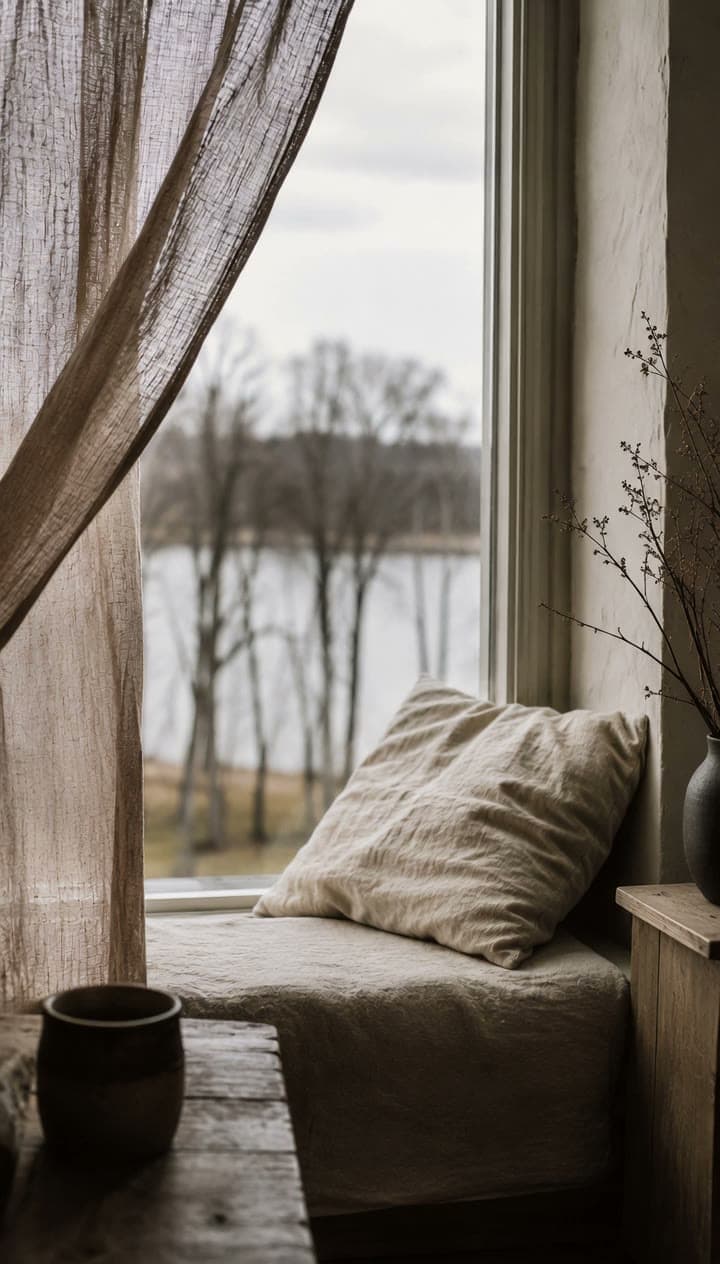
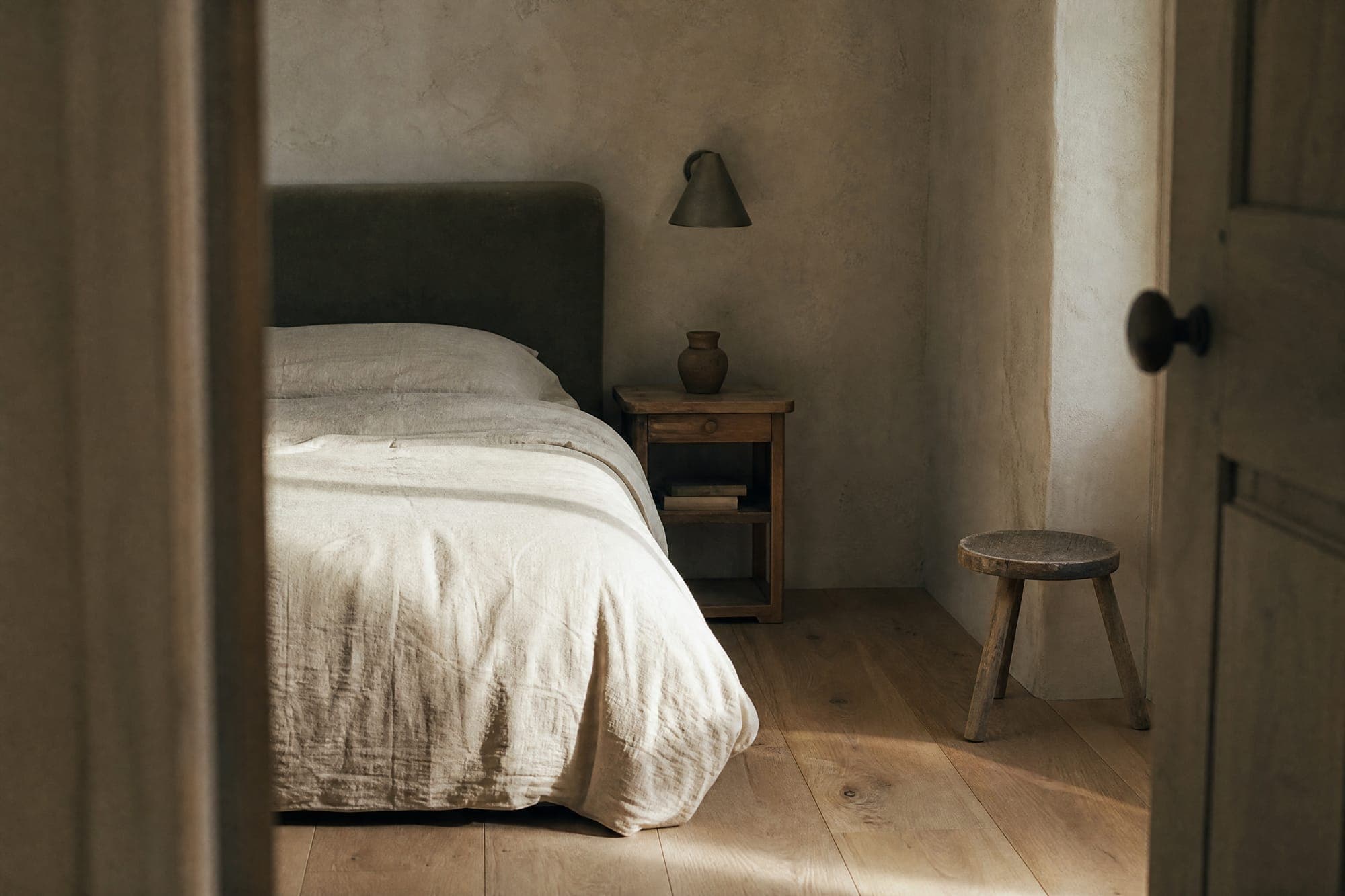
The one thing a photograph of a window never carries: how much light actually gets in.
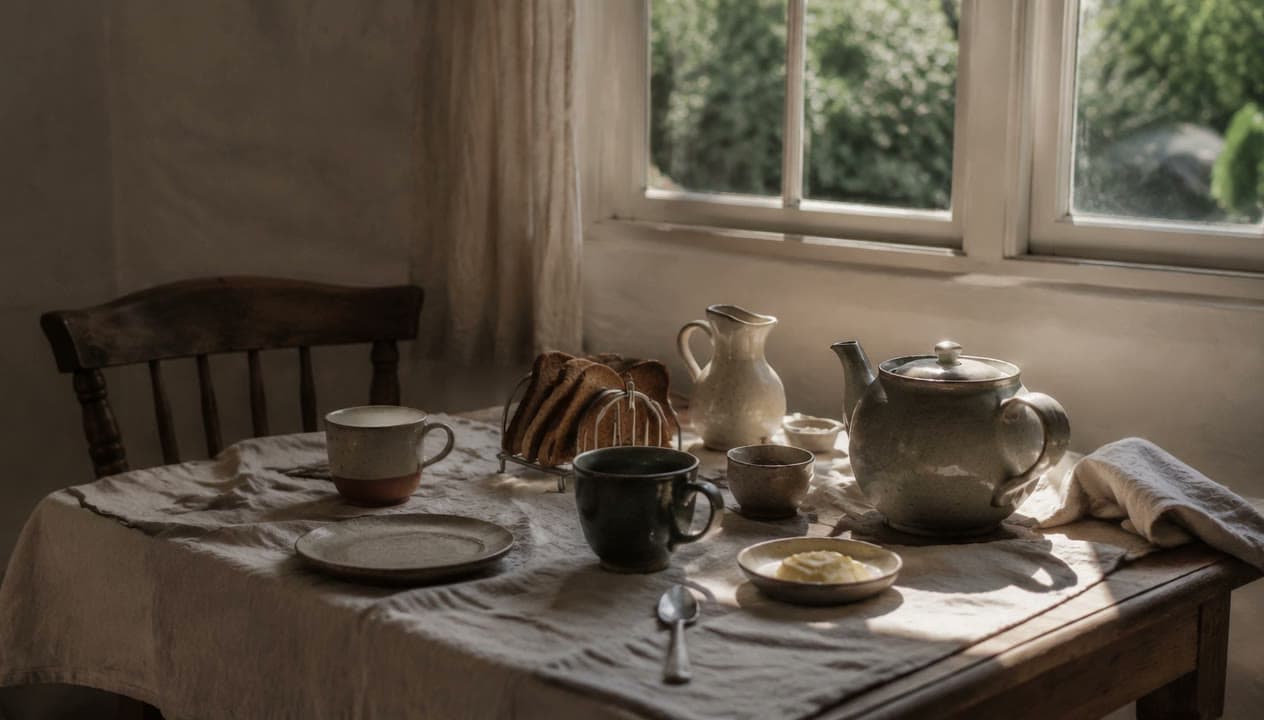
Good for the line that always needs saying: what time breakfast runs, and where.
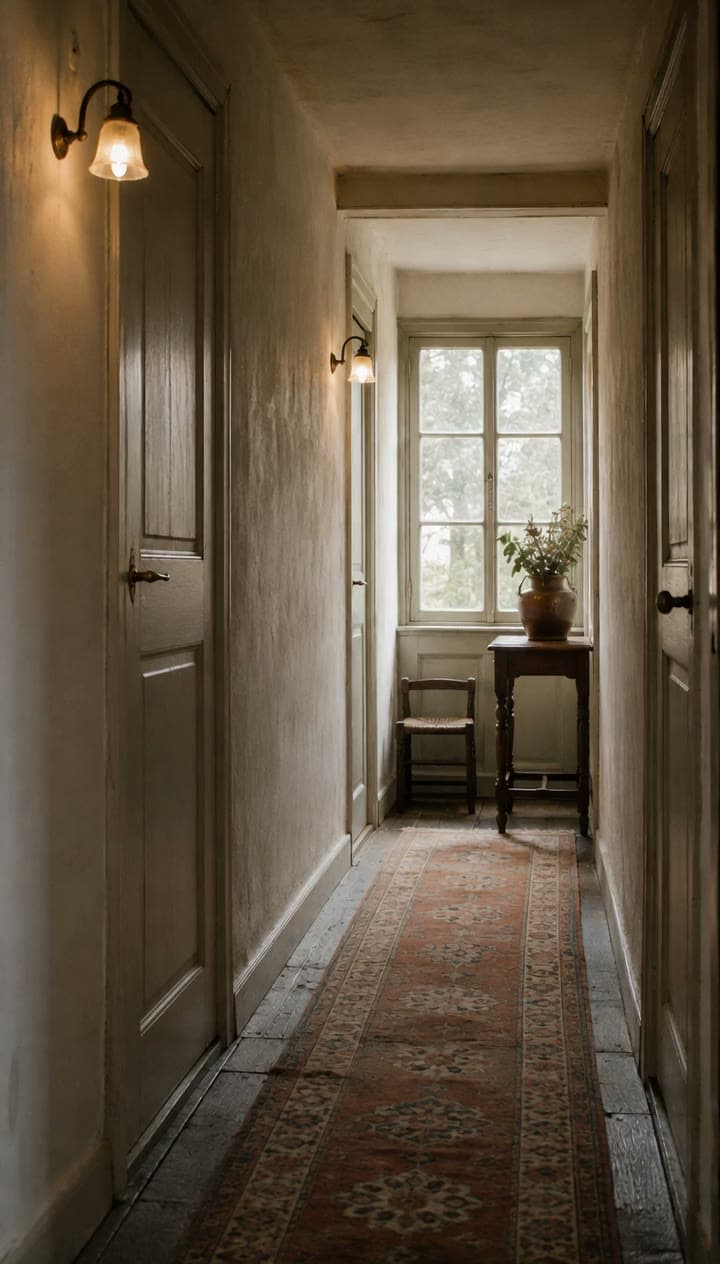
Arriving late in an unfamiliar building is the part guests worry about. Show it once.
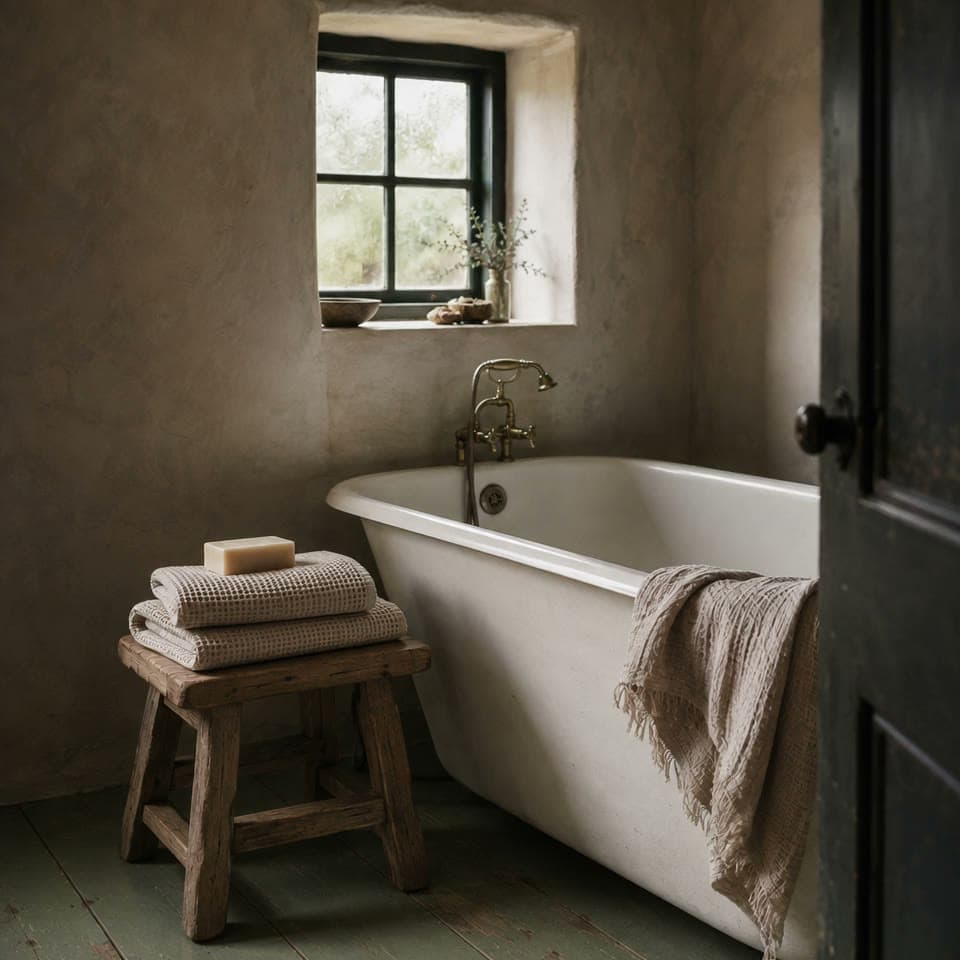
A detail worth two seconds. Not the whole film.
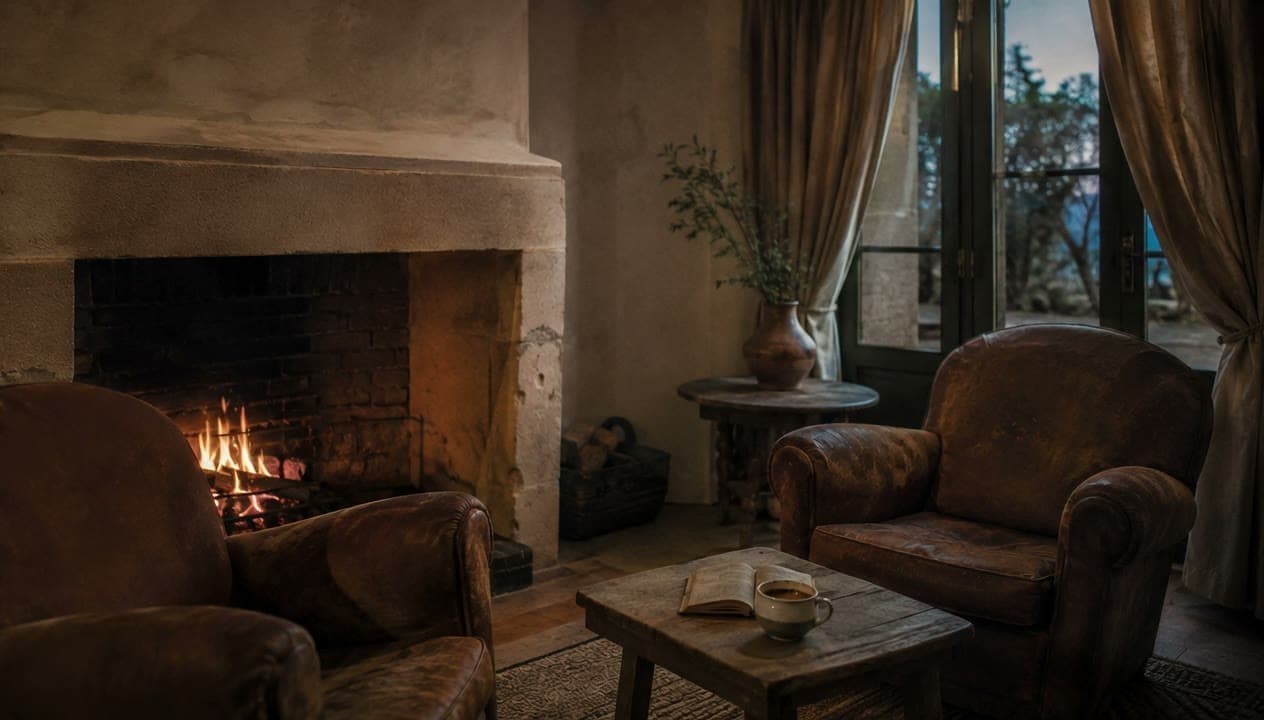
A pan reads the size of a room in a way a wide-angle photograph flatly cannot.
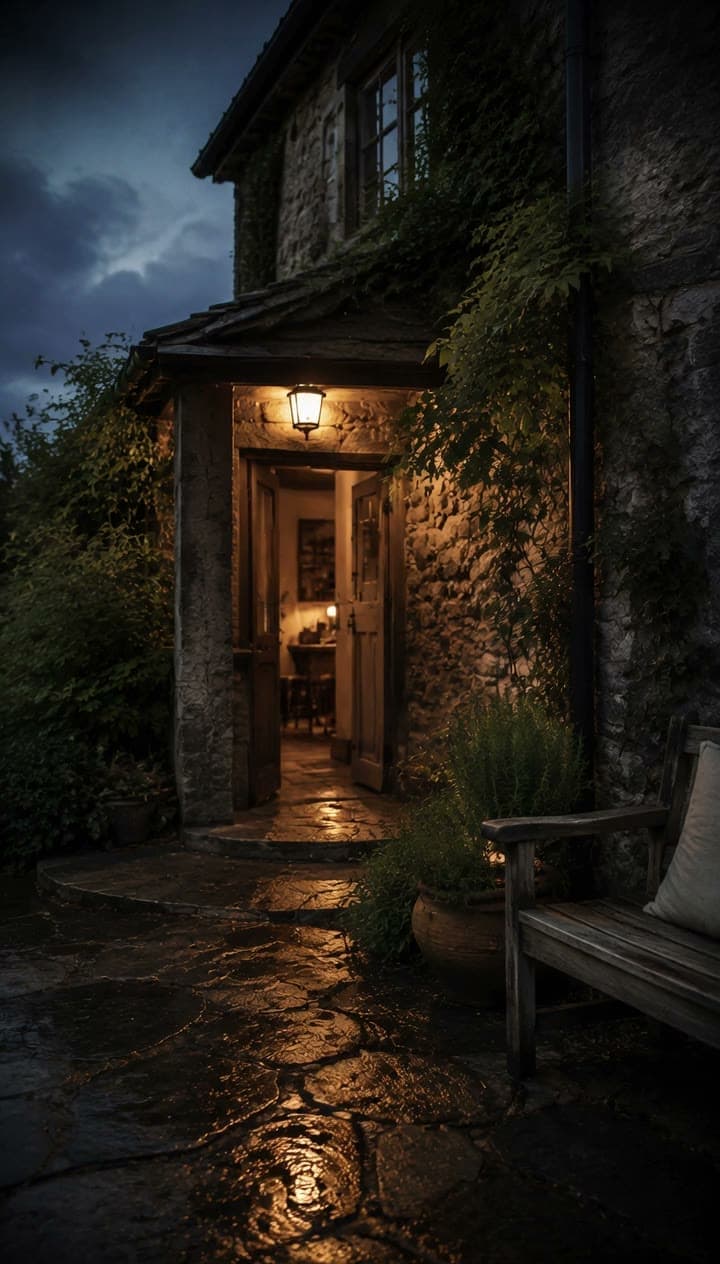
The last shot, usually. It is the one they will actually be looking for.
The limits
Three things this will never do to your room.
A guest who arrives to something other than what they were shown does not write to you about lighting. They write to the platform. So the model gets one job — move the camera — and everything else is refused.
- I
Nothing gets added
No furniture that is not there. No fireplace, no balcony, no bath, no view. If a guest could walk in tomorrow and fail to find it, the model is not allowed to put it in the frame.
- II
Nothing gets removed
Clutter stays. A scuff stays. A radiator in an awkward place stays. Tidying a room in software is a description of a room that does not exist, and it is the guest who finds out.
- III
Nothing gets changed
Not the proportions, not the size, not what is through the window, not the colour of a wall or the material of a floor. The camera moves and the light settles. That is the whole permitted set.
Enforced, not promised: a shot cannot be generated unless it points at one of your photographs and at a still frame you approved. Before anything can be exported, the original and the first frame are shown side by side and you have to confirm it is still your room. What the output is and is not.
No account, no upload
Try it with one photo.
Choose any room photograph. This page will frame it to both delivery sizes, draw the path the camera would take, and put a guest’s name on it — all inside this tab. The file is never sent to us, and neither is the name.
Typed here, drawn here. The name is composed onto the frame by this page and is never sent to us, never stored on a server, and never given to a model. That is how the real product works too.
Both delivery sizes appear here as soon as you choose a photo: the portrait one for a message or a story, the landscape one for a listing page or an email. This preview shows framing and the camera path only — putting a frame into motion happens in the workspace, after you have approved it.
Three tiers, subscription only
Priced per month, in USD.
No packs to buy, no balance to top up, no bundles. An allowance comes with the tier, resets each period, and does not carry over.
Free
Take one film all the way to the last still frame, and see exactly what you would be sending.
$0USD / month
50 credits per month · resets · no carry-over
- Read up to 3 room photos
- Shot ordering and the must-say checklist
- Approve and re-work still frames
- Export the still set with a corner mark
Frame
Most takenFor one place you look after yourself. Everything a single arrival needs, start to sent.
$19USD / month
600 credits per month · resets · no carry-over
- Everything in Free
- Motion on approved frames
- Export portrait 1080 × 1920 and landscape 1920 × 1080
- No corner mark
House
For several rooms, cottages or units, where arrivals stack up on the same afternoon.
$59USD / month
2400 credits per month · resets · no carry-over
- Everything in Frame
- Unlimited properties, kept apart
- Build several arrivals in one pass
- Priority queue
Where the free tier stops
Free takes one film all the way to the last approved frame. It will not put them into motion.
Fifty credits reads three photographs, runs the ordering pass, and leaves enough to re-work the frames eight times. You end up looking at every frame of the film you wanted, still. Moving one frame costs fifty on its own — which is the moment to decide whether this is worth $19 USD a month. Paying yearly takes 20% off.
Full comparison and what each action costsBefore you start
The questions that actually decide it.
Will the film make my room look like something it is not?
No, and the product is built so that it cannot. A shot can only be generated from a still that came from one of your own photographs, and that still has to be approved by you first. There is no way to type a description of a room and get a film of it — that entrance does not exist anywhere in the product.
The model is allowed to move the camera and let the light settle. It is not allowed to add furniture, remove clutter or a defect, change the proportions of the room, change what is visible through the window, put people in the frame, or change a material or a colour.
Before you can export, we put your original photograph and the first frame of the film side by side and ask you to confirm it is still your room. If it is not, the shot does not leave the workspace.
Someone is arriving tomorrow.
Send them the room tonight.
Start on the free tier and take one film as far as the last frame. No card, and nothing to cancel if you stop there.